Workforce Management
Manage field time, breaks, and technician performance.
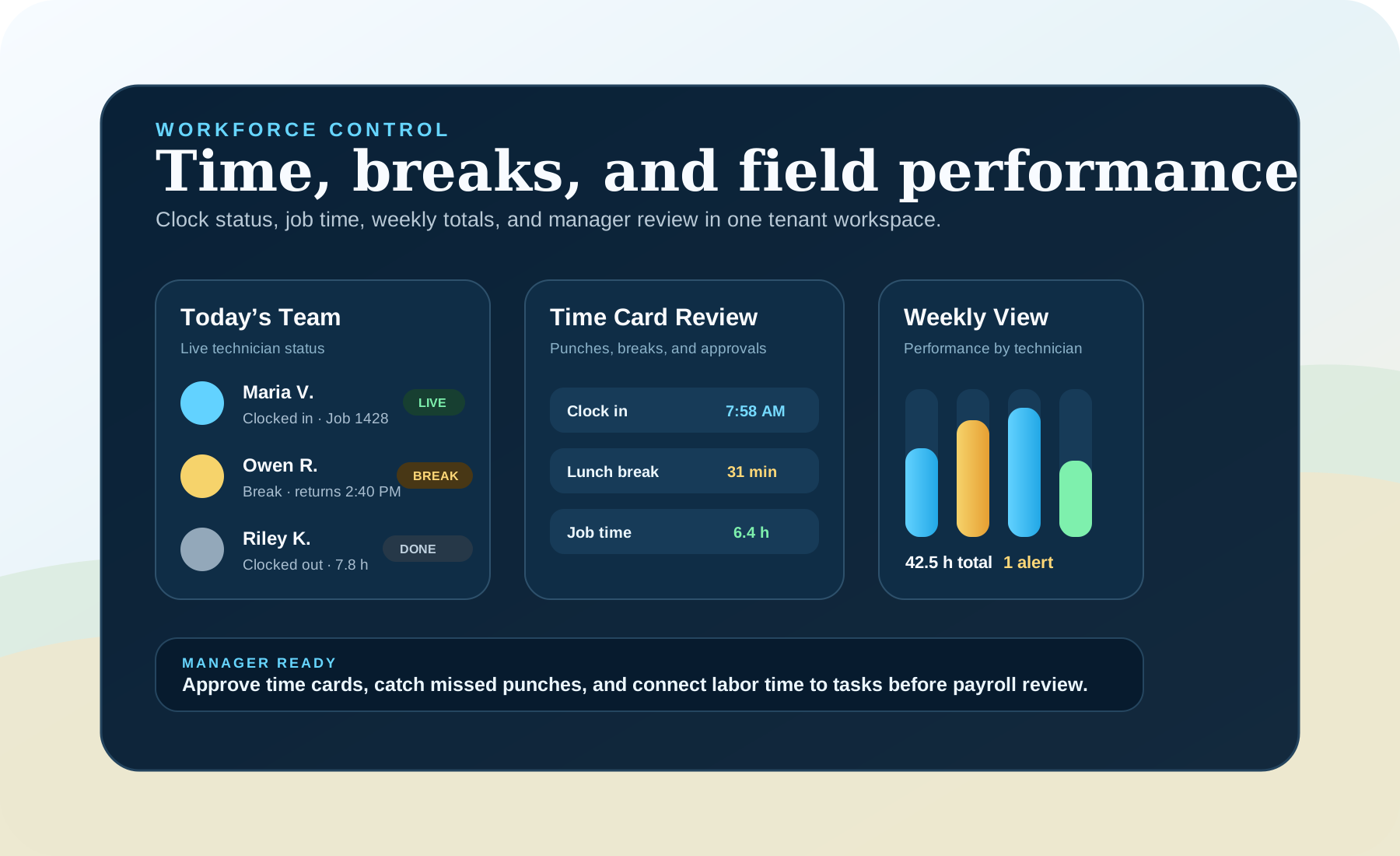
Workforce Management makes the daily labor picture visible: who is working, who is on break, where job time is going, and what managers need to review before payroll.
Built for contractors who need technician time cards connected to tasks, routes, closeout, and weekly performance instead of another disconnected payroll spreadsheet.
Capabilities
Built around real field-service decisions.
Each product area explains what a contractor team can do, what stays reviewed, and how work moves through the system.
Time cards without spreadsheet cleanup
Technicians can clock in, clock out, and record breaks while the manager keeps a cleaner review trail for the week.
Job time connected to field work
Labor time is more useful when it stays connected to assigned tasks, route context, material use, and job closeout.
Weekly performance visibility
Managers can review hours, completed work, idle gaps, break behavior, and overtime risk by technician before payroll review.
Tenant-level workforce oversight
Contractor owners and platform admins can understand labor activity by contractor workspace without mixing tenants together.
Workforce In Context
Labor visibility should sit beside the work, not after it.
Time tracking becomes operational when it is connected to dispatch, field execution, route context, materials, and manager review.
Live workforce status
Managers can see who is clocked in, who is on break, and who has completed the day before dispatch decisions are made.
Field execution context
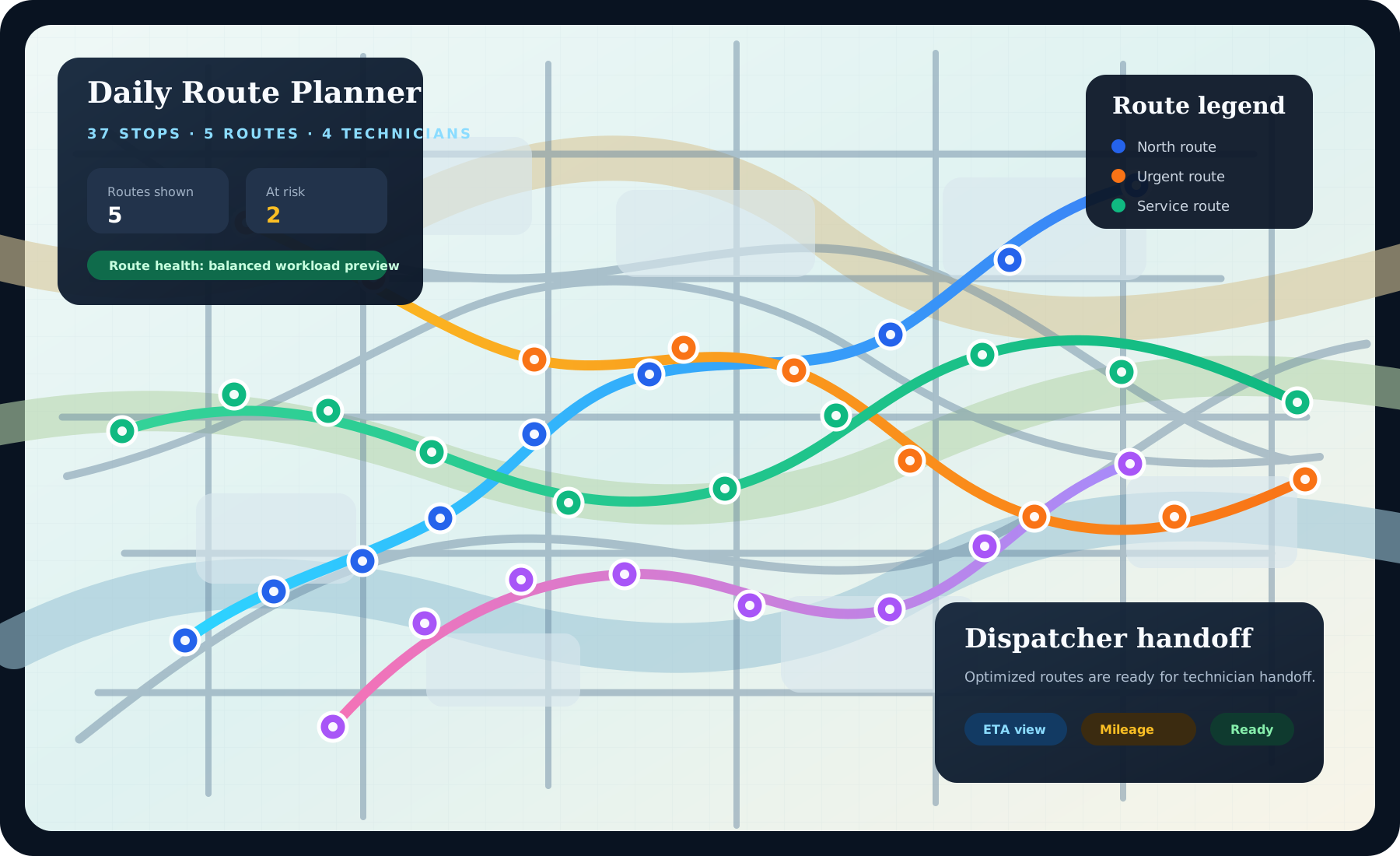
Technician time belongs beside task and route context, not in a disconnected spreadsheet that managers reconcile later.
Technician workspace
Clock events, material use, and job updates stay close to the field workflow so the time record reflects real work.

Manager review
Weekly totals, missed punches, overtime risk, and job-time accuracy can be reviewed before payroll or billing decisions.
Manager Review
Approve the week with evidence.
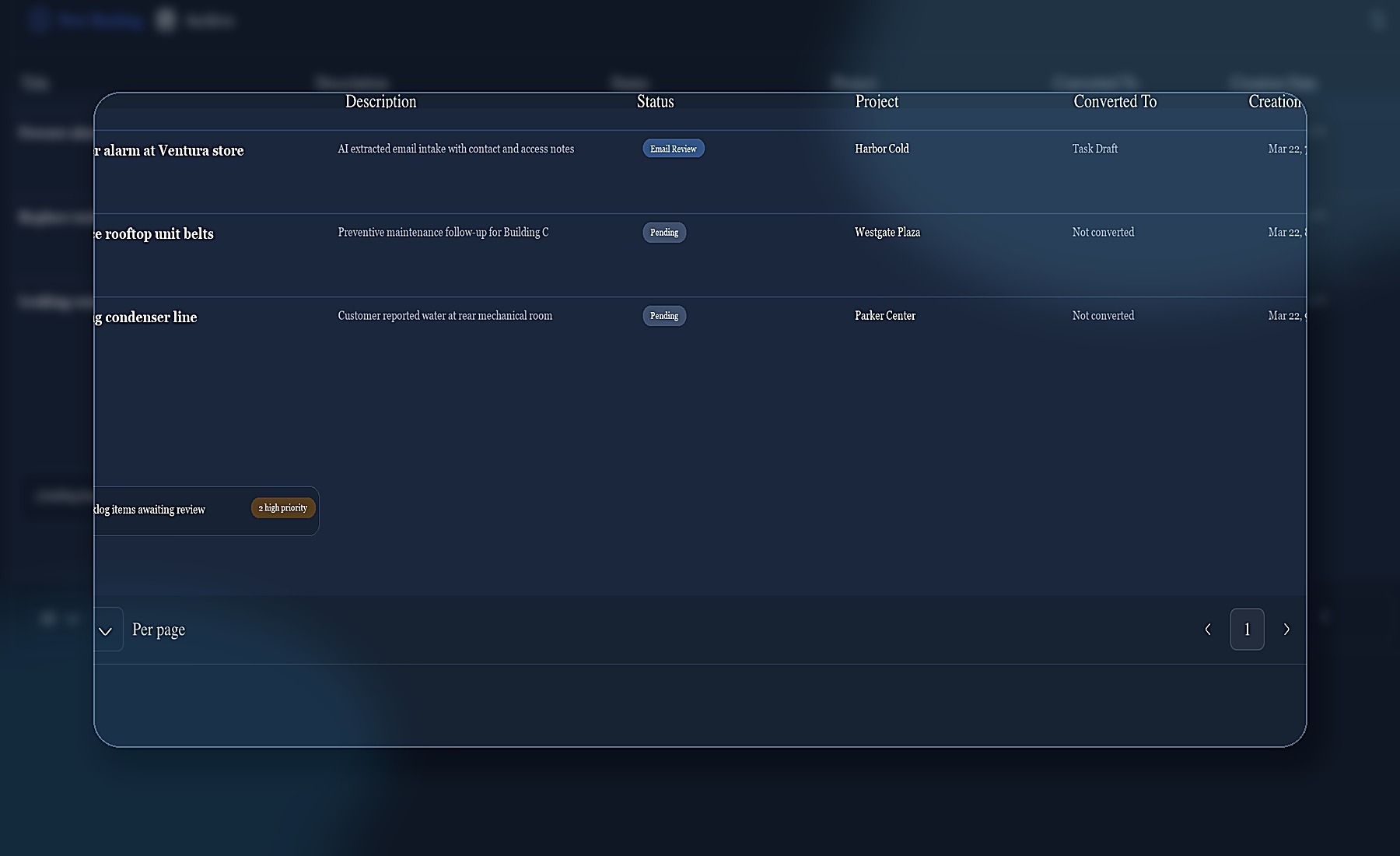
The review path should make common labor questions easy to answer before payroll: missing punches, long breaks, overtime, task coverage, and job-time accuracy.
1. Capture the day
Clock in, break, clock out, and task-linked time events stay visible in the contractor workspace.
2. Review exceptions
Managers can focus on missed punches, unusual break time, idle gaps, and overtime risk instead of checking every row manually.
3. Connect to work
Task, route, material, and closeout context help explain what happened during the tracked labor window.
4. Prepare payroll
The approved weekly record can become the trusted source for payroll review or future export workflows.
FAQ
Workforce management FAQ
These answers explain why time tracking belongs inside the operating workflow instead of outside the platform.
What does workforce management include?
It covers technician clock in, clock out, break tracking, job-time visibility, weekly performance, missed-punch review, and manager approval before payroll or export.
How is this different from only time cards?
Time cards are the starting point. Workforce management connects time to tasks, routes, technician status, weekly performance, and contractor-level operational review.
Can managers review performance by week?
Yes. The product direction keeps weekly technician performance visible so managers can review hours, task output, break behavior, idle gaps, and overtime risk.